Pages & Components
QRCompose offers a comprehensive suite of page types to create any interactive QR experience. Each type is optimised for specific use cases and can be customised in Designer V3.
Pages, apps, and QR codes
| Concept | Description |
|---|---|
| Page | A single interactive experience (menu, form, link tree, etc.) |
| App | Multiple pages connected in sequence — see Apps |
| QR code | A scannable entry point linking to a page, app, or URL |
Create pages in Designer V3 (/designer). Manage them in the Page Library (/page/view).
Available Page Types
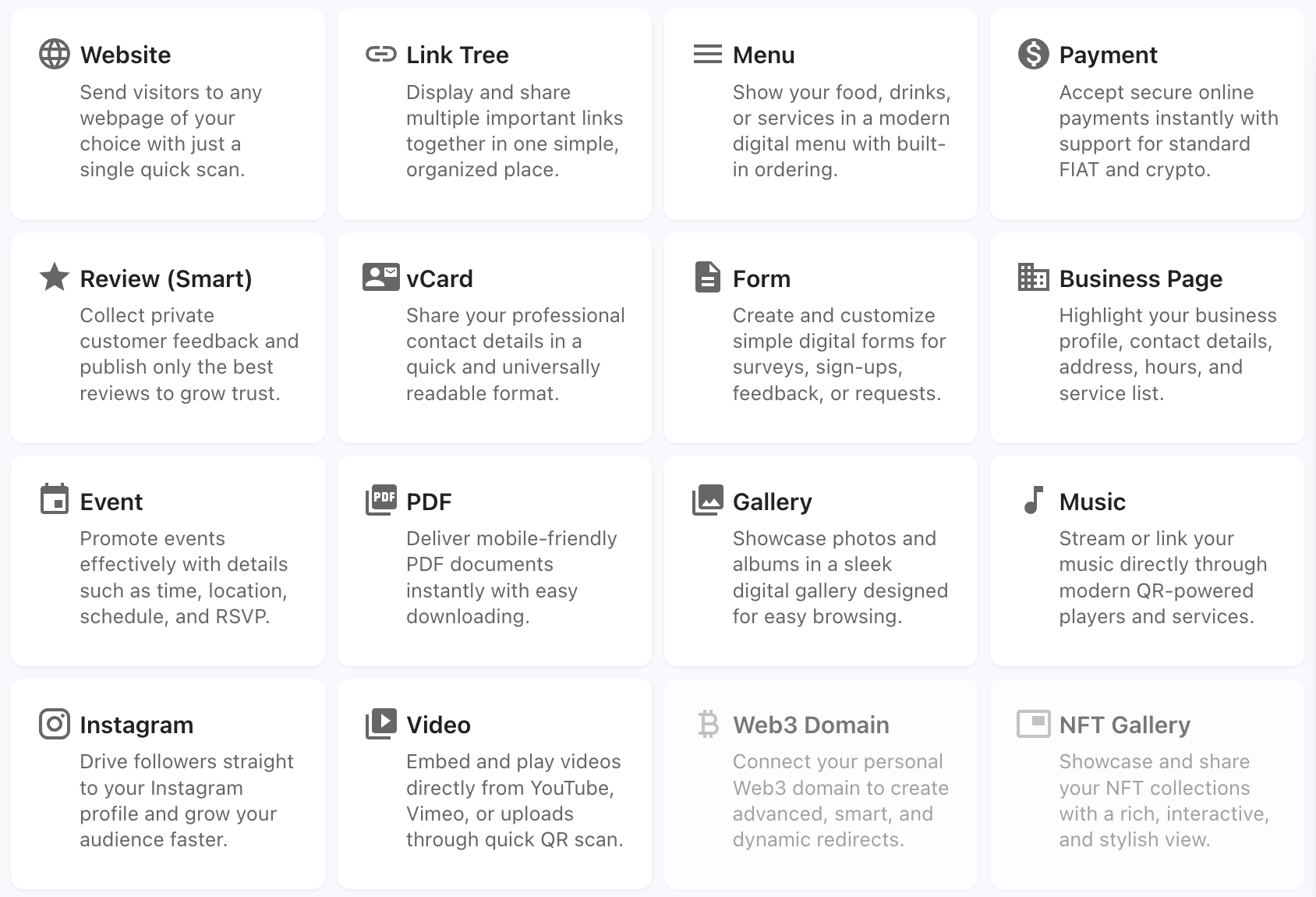
Content & Information
Business Pages
Multi-section mini-websites: about, services, gallery, testimonials, contact.
Best for: Local businesses, freelancers, service providers
PDFs
Built-in PDF viewer for brochures, menus, manuals, and catalogs.
Best for: Product catalogs, user manuals, detailed information
Links & Navigation
Link Tree
Mobile-optimised landing page with multiple links.
Best for: Social media creators, influencers, multi-platform presence
Business & Commerce
Menus
Restaurant and product menus with photos, prices, categories, and optional ordering. Requires Starter plan to publish.
Best for: Restaurants, cafes, bars, food trucks
Payments
Stripe payments with fixed or dynamic (contextual) amounts. Requires Advanced plan to publish.
Best for: Product sales, donations, event tickets
Business Cards
Digital contact cards with one-tap save to phone.
Best for: Networking, professional contact sharing
Engagement & Data
Forms
Custom forms for lead capture, surveys, and inquiries. Included on Free plan.
Best for: Lead capture, inquiries, feedback
Reviews
Customer feedback and ratings with sentiment analysis. Requires Starter plan to publish.
Best for: Customer feedback, testimonials
Events
Event landing pages with dates, agenda, speakers, and CTAs. For full event operations see Event Management.
Best for: Conferences, workshops, parties, webinars
Media & Galleries
Galleries
Image galleries with multiple layout options.
Best for: Photography, portfolios, real estate
Music
Audio player for tracks, albums, and podcasts.
Best for: Musicians, podcasters, DJs
Video
Video player with upload or embed support.
Best for: Tutorials, promotions, demonstrations
Choosing the Right Component
| I want to… | Use |
|---|---|
| Share multiple links | Link Tree |
| Show my menu | Menus |
| Accept payments | Payments |
| Collect information | Forms |
| Get feedback | Reviews |
| Share contact details | Business Cards |
| Promote an event | Events + Event Management |
| Display photos | Galleries |
| Share a document | PDFs |
| Create a full website | Business Pages |
| Play audio | Music |
| Show video | Video |
Combining pages in apps
Multiple pages can be connected in an App — for example, menu → payment → review. See Apps.
Publish requirements
Page types have different plan requirements. See Plans & Billing for the full capability matrix.
Related
- Designer V3 — create pages
- Page Library — manage pages
- Apps — multi-step experiences