Guest Portal
The QRCompose Portal is the attendee-facing application for events. Guests sign in to view their events, digital passes, profiles, and connections.
Portal URL: portal.qrcompose.com
Who can access the portal
Guests are auto-provisioned when an organiser adds attendees with an email address to an event. There is no separate invite signup — attendees discover the portal and sign in with the email used during registration.
No automated invite email
At launch, QRCompose does not send an automatic portal onboarding email when a guest is provisioned. Attendees self-discover the portal and sign in via OTP with their registered email. Organisers should communicate the portal URL as part of their event communications.
Signing in
- Visit the portal sign-in page (
/auth/sign-in) - Enter the email address used for event registration
- Receive a one-time password (OTP) via email
- Verify the OTP (
/auth/verify) - Access the authenticated portal
Google sign-in is also supported where configured.
Portal navigation
After sign-in, the portal sidebar provides:
| Label | Path | Purpose |
|---|---|---|
| Dashboard | /app | Overview and quick links |
| My Events | /app/events | Events you are registered for |
| Connections | /app/connections | Your networking connections |
| Profile | /app/profile | Global guest profile settings |
Event-scoped pages
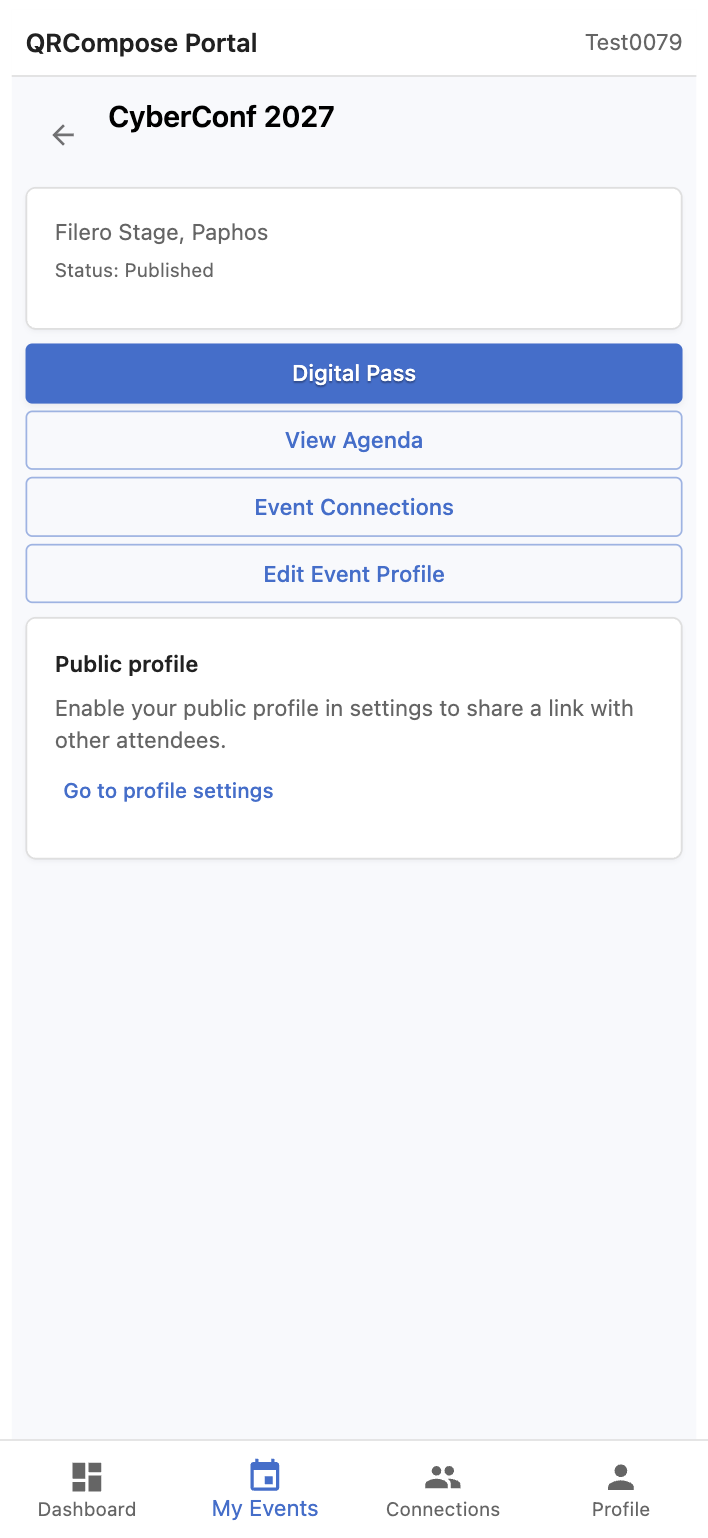
Open an event from My Events to access:
| Feature | Path |
|---|---|
| Event home | /app/events/:eventId |
| Digital Pass | /app/events/:eventId/pass |
| Event Connections | /app/events/:eventId/connections |
| Agenda link | From event home — opens the public event agenda |
How organisers enable portal access
- Create and configure the event in management
- Purchase an event licence and publish
- Add attendees (manual or CSV import) with email addresses
- Guests are provisioned automatically and can sign in
Portal features (check-in, networking, digital pass) require the corresponding features on the event licence.
Related
- Digital Pass & Profiles — passes and public profiles
- Connections — attendee networking
- Attendees & Registration Desk — how organisers add attendees
- Event Management — organiser workspace