Digital Pass & Profiles
Event attendees access their digital pass and manage profiles through the Guest Portal. Organisers configure branding on the event; attendees control their personal details and visibility.
Digital pass
Each registered attendee gets a Digital Pass for every event they attend.
Access: My Events → [event] → Digital Pass (/app/events/:eventId/pass)
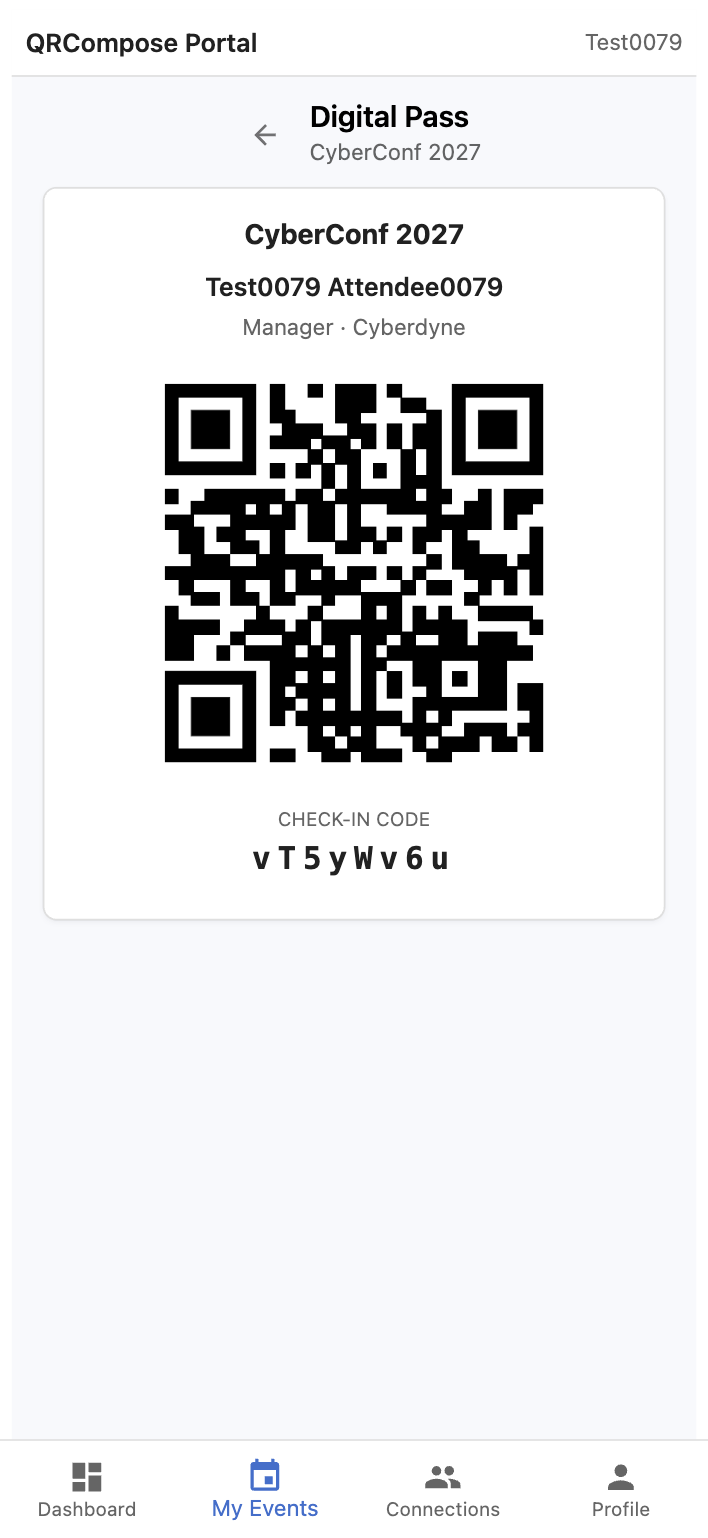
The digital pass includes:
- Attendee name and role
- Event name and dates
- A scannable QR code for check-in at the Registration Desk
Registration desk staff can scan the pass QR code for fast check-in.
Guest profiles
Guests maintain two levels of profile information:
Global profile
Profile (/app/profile) — settings that apply across all events:
- Display name and bio
- Profile photo
- Contact preferences
- Public visibility toggles
Event-scoped profile
Each event may have additional profile fields (company, job title, dietary requirements, etc.) configured by the organiser. Attendees edit event-scoped fields from the event home page.
Public profile sharing
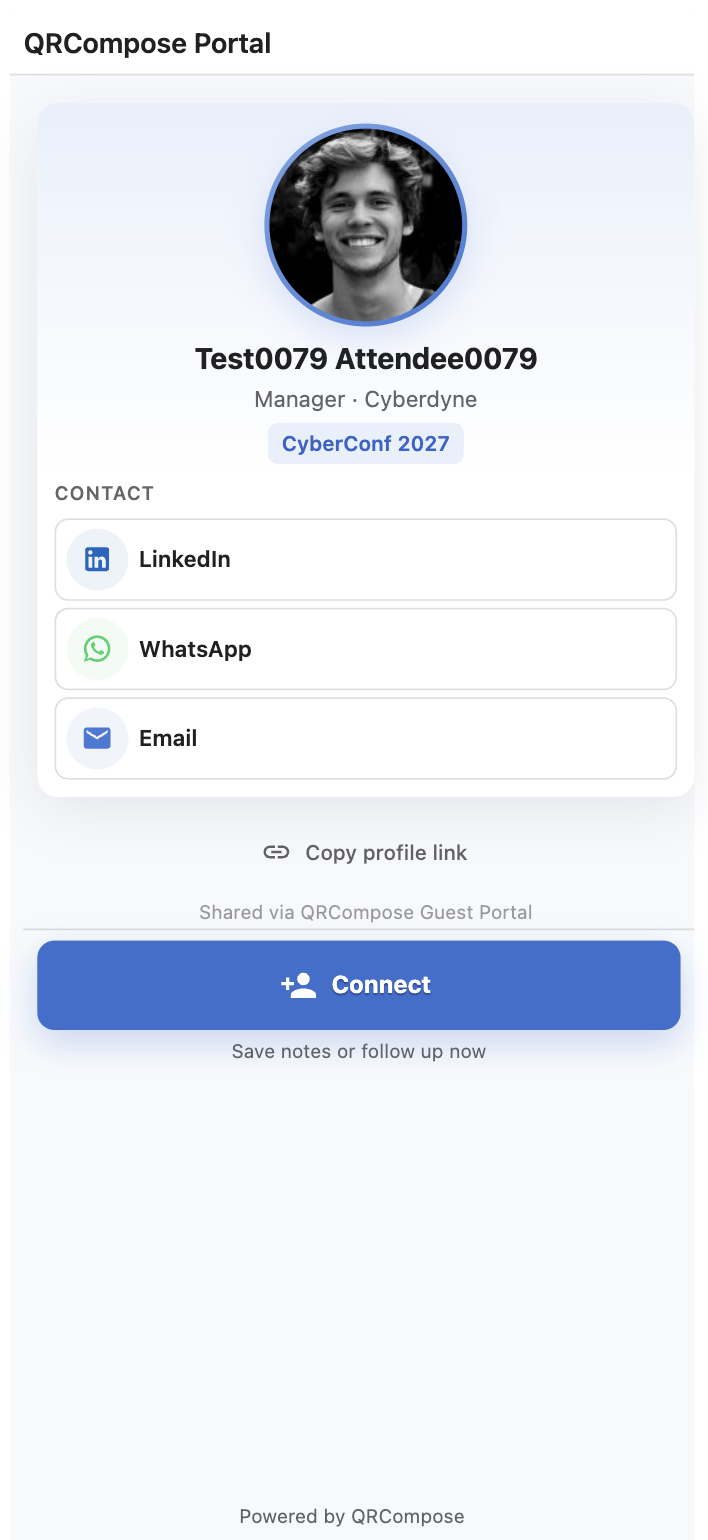
Attendees can share a public profile with a unique URL:
https://portal.qrcompose.com/p/:tokenThe public profile shows only information the attendee has marked as visible. It does not expose email addresses, internal IDs, or tenant data.
Other attendees can view a public profile and initiate a connection from it.
QR profiles and badges
Event licences include QR profiles and badges. Organisers configure badge fields and print layouts in the event manager. Attendee badge QR codes link to public profiles or digital passes depending on configuration.
Related
- Guest Portal — portal overview and sign-in
- Connections — networking from public profiles
- Attendees & Registration Desk — badge printing and check-in
- Event Licensing — QR profiles feature availability