AI Builder
The AI Builder is a workspace-level AI assistant for planning and creating complete QRCompose experiences — not just editing a single page. Access it from Designer → Build with AI (/designer/build).
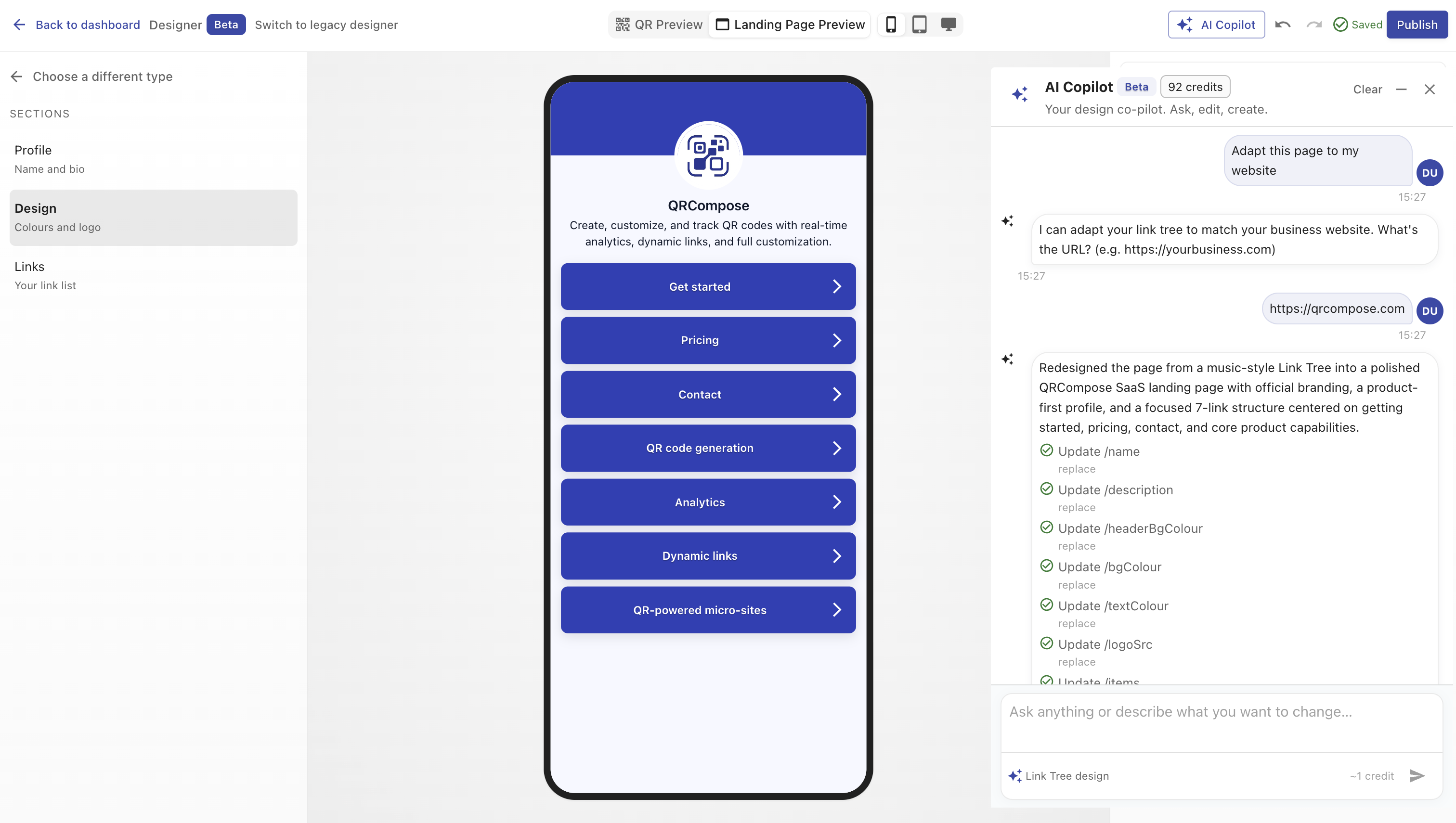
What AI Builder does
Describe what you want to build in natural language. AI Builder:
- Plans the experience — identifies page types, app structure, and capabilities needed
- Maps capabilities — checks your subscription entitlements and flags locked features
- Creates a build plan — lists the resources it will generate
- Executes — creates draft resources only (pages, apps) for your review
Nothing goes live automatically. You review drafts in the workspace before publishing.
Workspace tabs
| Tab | Path | Purpose |
|---|---|---|
| Build | /designer/build | Main chat and build workflow |
| Drafts | /designer/build/drafts | Review AI-generated draft resources |
| Business Memory | /designer/build/memory | Store business context for future builds |
| Experience Health | /designer/build/health | Optimisation suggestions for existing experiences |
| Tools | /designer/build/tools | Explore available AI tools and capabilities |
Page-type specialists
AI Builder uses specialised agents for different page types — event, booking, form, menu, link tree, and more. Each specialist understands the configuration schema for its page type and produces valid drafts.
Credits and availability
AI Builder shares the AI credit pool with the AI Copilot:
| Plan | Monthly credits |
|---|---|
| Starter | 100 |
| Advanced | 500 |
| Pro | 2,000 |
| Enterprise | Custom |
| Free | Not included |
When credits are exhausted, AI Builder returns a credit exhaustion response and prompts you to upgrade or wait for the monthly reset.
AI availability may also be controlled by feature flags (AIFeatures:Enabled) and tenant allowlists during staged rollout.
AI Builder vs AI Copilot
| AI Builder | AI Copilot | |
|---|---|---|
| Entry | /designer/build | Designer V3 toolbar |
| Scope | Full experience planning | Single page configuration |
| Output | Draft pages and apps | In-place config edits |
| Review | Drafts workspace | Immediate in designer |
Related
- AI Copilot — page-level assistant in Designer V3
- Designer V3 — manual design workspace
- Publish & Draft — publishing AI-generated drafts
- Plans & Billing — credit allowances